
Date Range
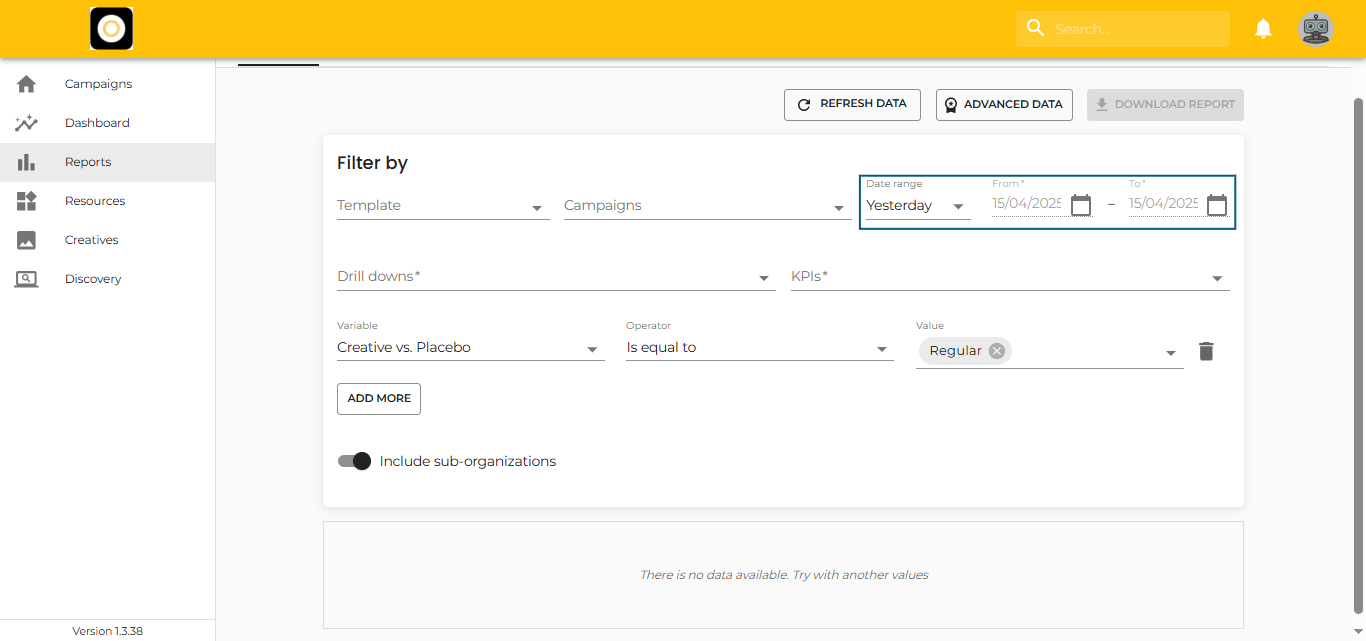
When generating a report, you can choose the exact time period you want to analyze — either by selecting a pre-set option or by defining a custom range.

Pre-set Date Ranges
Click on the “Date Range” dropdown to open a list of pre-configured options. These are useful for quick reporting:
-
Today
-
Yesterday
-
Last 7 Days
-
Last 30 Days
-
Last Month
-
Current Month
-
Current Year
-
Last Year
These options are especially handy for fast, routine performance checks.
Custom Date Range
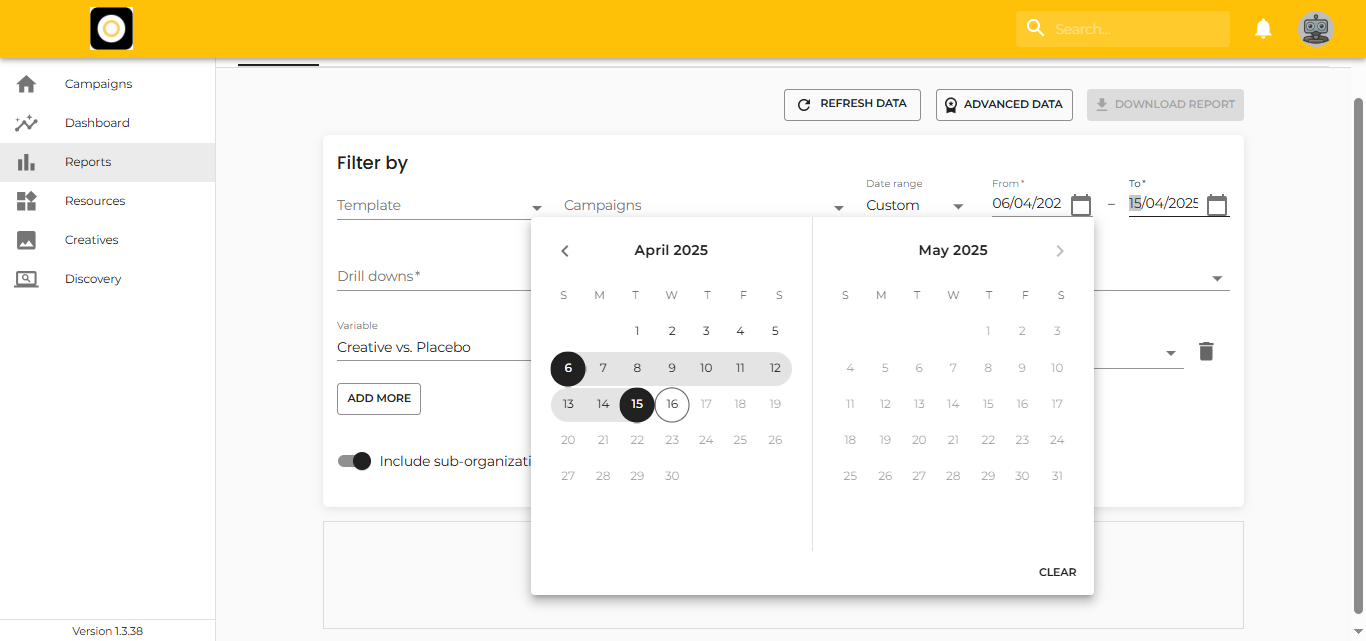
For more specific needs:
-
Select “Custom” from the dropdown.
-
Choose your start and end dates by typing them or selecting from the calendar.
-
To remove a selected date range, simply click “Clear.”
Custom ranges are ideal when you need to analyze non-standard periods or compare specific campaign cycles.