
Template Filters
Templates let you quickly access reports you use frequently, without needing to reconfigure filters, KPIs, or date ranges every time.
Once saved, a template can be:
-
Re-used instantly from the Reports section
-
Scheduled to be sent to your email on a regular basis
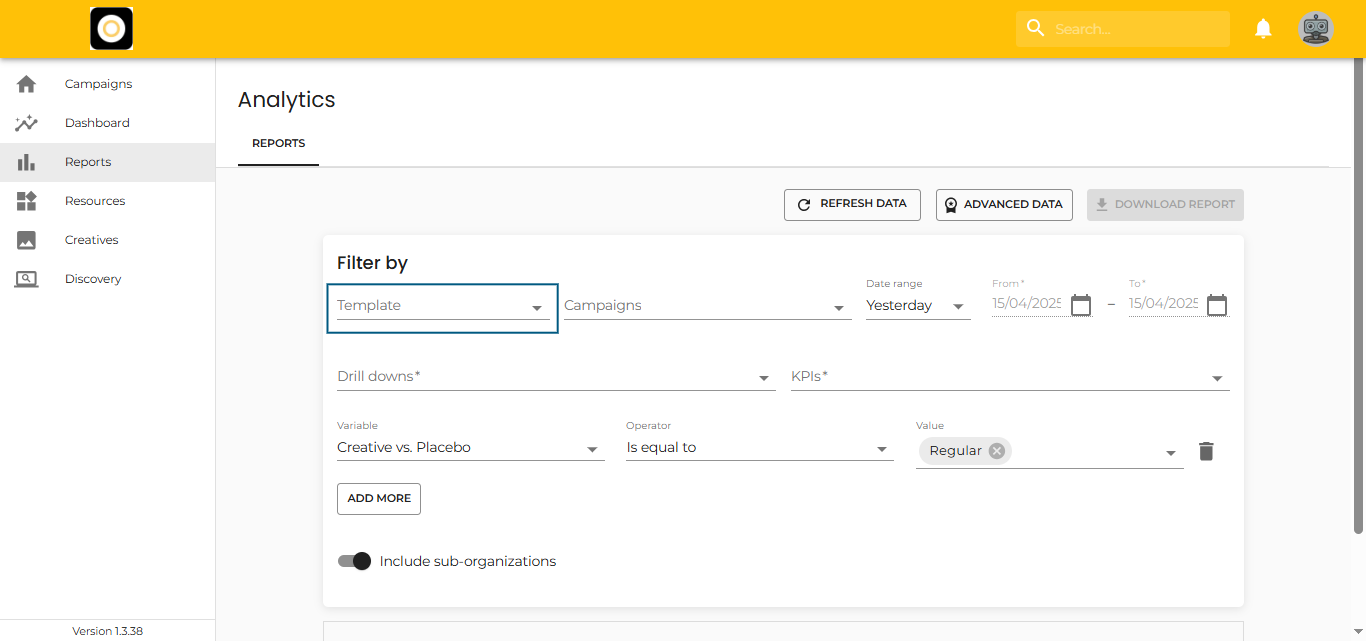
Using a Template
To load an existing template in the Reports section:
- Click on the “Templates” area
- Type the name of the template or use the dropdown to browse
- Select the template you want to use
The system will automatically load:
-
Pre-defined KPIs
-
Selected Drill-down variables
-
Saved Date ranges
-
Applied Filters
You can modify any of these settings as needed before clicking on “Refresh Data” or “Download Report.”
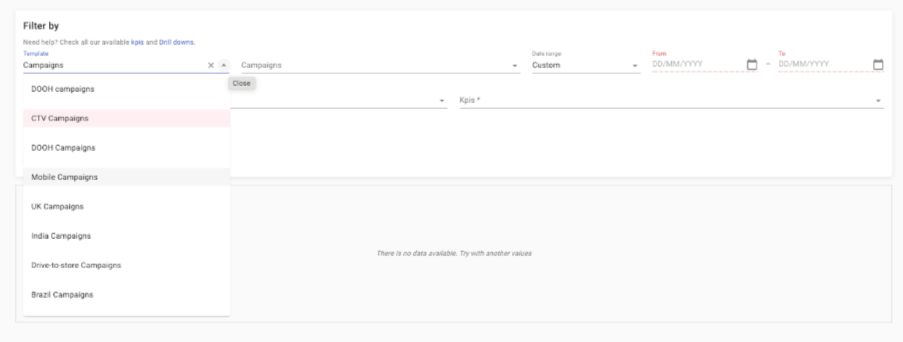
Clear the Selected Template
To remove a selected template:
-
Click the “X” at the end of the template name
-
This will clear the current configuration so you can start fresh
Switch Between Templates
To change templates:
-
Reopen the Templates dropdown
-
Select a new template from the list
-
The report will reload using the new template settings